Skip to content
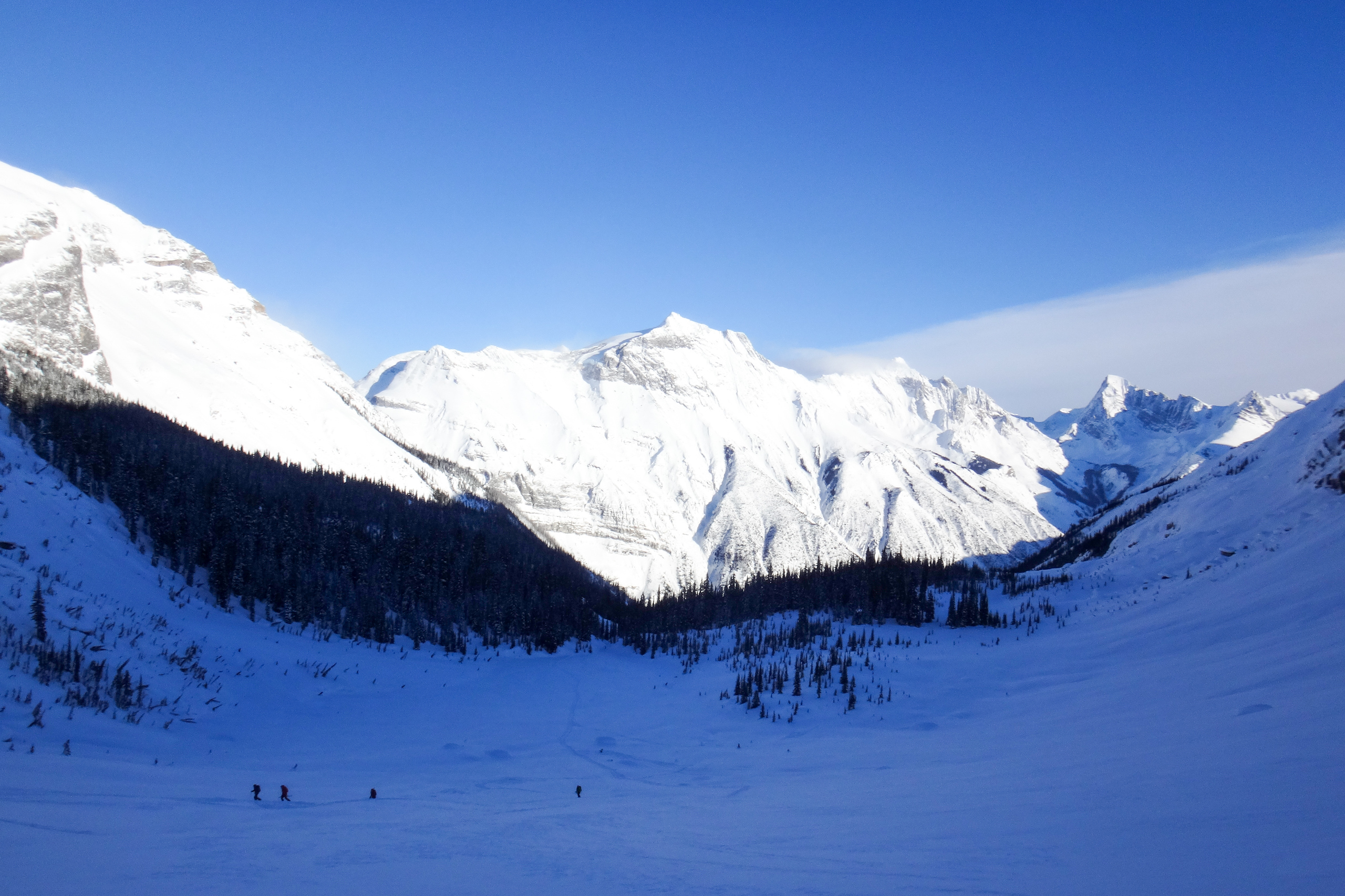
Ski tourers crossing a shadowed basin toward sunlit peaks

FieldBook

Your day, on the record.

FieldBook turns a day in avalanche terrain — GPS-stamped activity, photos, voice, plain language — into trustworthy, InfoEx-schema observations. Captured offline in the field, reviewed by a human before anything leaves. It is the snow-safety layer of GuideOps Platform, used in MeetPoint, MountainOps, and HeliOps.

What it actually does

Trustworthy observations, still in your hands.

Capture never waits for signal

Observations, photos and voice notes are written to the device first and sync when you are back in range. Nothing you record in the field depends on a bar of service.

AI proposes, you approve

Plain language becomes a structured, schema-valid observation. It sits in review until a person says yes — nothing reaches a submitted state on its own.

Briefings cite their sources

Every claim in a daily briefing points at a row a query actually returned. If it cannot be cited, it does not get said.

Your database is the record

Observations live in your system, in InfoEx schema, whether or not you ever sync them anywhere. InfoEx is a feed you can switch on — not the place your data lives.

A day, in order

The workflow is gated rather than a blank page: each step unlocks the next, so the record of the day is complete by the time anyone reviews it.

A day, in order

Each step unlocks the next.

  1. 01

    AM Report

    Read the conditions for your zones, then set the day’s plan.

  2. 02

    Start Day

    The day opens. Location tracking begins for the team.

  3. 03

    Field Observations

    Capture what you see — photos, voice, plain language. Offline.

  4. 04

    End Day

    Close out in the field. Drafts sync as soon as there is signal.

  5. 05

    PM Report

    Confirm what happened, review the drafts, then submit.

Who it’s for

Tourism, industry, and education.

Tourism

Programs that take people into the mountains.

  • MeetPoint — ski guides
  • HeliOps

Industry

Operations that work through avalanche terrain to get the job done.

  • MountainOps — mining
  • Transportation
  • Forestry
  • Land

Education

Forecasts and awareness that keep communities and visitors safer.

  • Area forecasting
  • Building community awareness

Questions

How field reporting works.

Do I need an InfoEx account?
No. Your observations live in your own database in InfoEx schema either way. If you do have an InfoEx account, you can connect it and submit approved observations outward — and read other operators’ reports back for the zones you overlap.
Does it work with no signal?
Capture does. Photos, voice, GPS and text are written to the device and queued, so recording never waits on a connection. Reading conditions — briefings, other operators’ reports, weather — needs a connection, because that data comes from elsewhere.
Who can see my observations?
Your operation, by default. Nothing is public. Where another operator’s data reaches you, it is matched by where the zones overlap on the map, never by a shared identifier, and it arrives inside a briefing rather than as raw rows.
Is there an iPhone app?
Not yet. Field teams use the Android app or the web app in a browser; owners and admins use the Operator Console on a desktop. An iOS build is not currently scheduled.

Subscription. Monthly or annual. The field record is ongoing work — capture, review, briefings — so you pay for the product, not per observation.See pricing

Looking for booking, community, and guide management?MeetPoint

Winter 2026–27 early access

Apply to spend this winter in the field, not in spreadsheets.

Apply for winter